An AI call that screens a lead and leaves the answer in a recording hasn't finished the job. The broker still has to listen, type notes and decide where the file goes. The value shows up when the answers land as clean CRM fields, a routing rule picks the lender, and a person gets the file with everything attached. This guide walks through that path for business-loan brokers.
Key Takeaways
- Map each screening answer to its own CRM field, so a broker opens a file that's already screened.
- Store the disqualification reason for every lead that doesn't pass, because you will want to call some of them again.
- Write the routing rule down: which lender or broker gets which qualified lead, and where near-misses go.
- Attach the recording, transcript and consent record to the same lead.
- Ask about your specific CRM before you build around it. Topcalls connects to a large catalog of tools, and we'll tell you honestly what your system supports.
1. Which CRM fields should the call fill?
Create one field per answer, and keep the values simple enough to filter on. A workable set is time in business, credit band, bankruptcy yes or no, monthly sales band, consent status, readiness, and disposition. Use bands and yes/no values instead of free text, so you can build a view that shows every lead a certain lender would take.
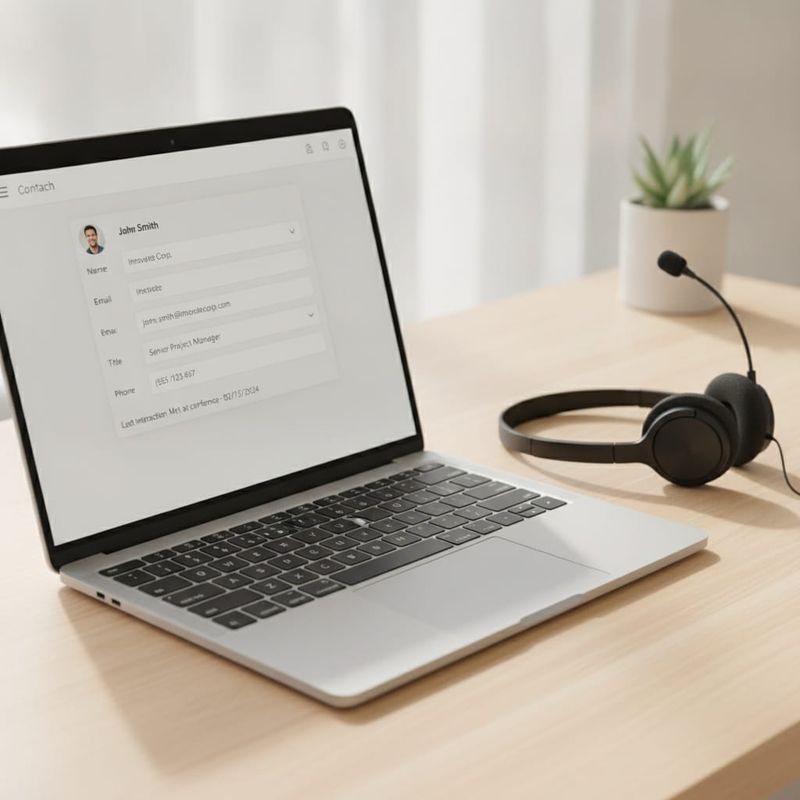
Add a field for the reason when a lead doesn't pass: too new, credit below your line, bankruptcy on file, monthly sales too low, or not ready. That field is what lets you go back to a group later without listening to calls.
2. How do answers get from the call into the CRM?
Topcalls writes call results and answers back to your CRM or lead tool, so the broker reads the same fields the AI filled. Connections run through the integrations catalog, and a workflow can create or update the record, set the disposition and attach the recording link. Ask us about your specific system before you build around it, because setups differ.
Plan about two weeks from signup to live campaigns, which is the typical timeline in our docs. Mapping the fields is usually the part that takes the most thought.
3. How should a qualified lead be routed to a lender?
Write the rule as a short table, then put it in the CRM. Lenders ask for different cut-offs, and reps forget which lender wants which, so the rule belongs in the system, not in memory.
| Condition | Route to |
|---|---|
| Passes all of Lender A's cut-offs | Broker for Lender A |
| Passes Lender B only | Broker for Lender B |
| Within one band of a cut-off | Review queue |
| Fails every lender | Closed with reason |

The AI applies the rule the same way on every lead. A human reviews the queue and decides the near-misses. For the questions behind these cut-offs, read the qualification flow for MCA brokers.
4. What does the handoff to a human broker look like?
There are two paths. A live transfer connects the broker to the owner while the owner is still on the line. A booked callback puts a time on the broker's calendar and sends the owner a confirmation. Either way, the broker should see the transcript, the saved answers and the consent status before the first word.
The first human minute then goes to the deal: terms, documents, timing. Not to asking about time in business again.
5. What should travel with the lead to the lender?
Whatever your lender and your counsel need. Usually that is the answers you collected, the owner's stated readiness to be contacted, the call recording and the time of consent. Don't pass a lead to a lender without the consent record, because the lender will ask. The TCPA consent guide covers what to keep. This is general information, not legal advice.
6. What can go wrong, and how do you check it?
Three things break most often: a field mapped to the wrong value, a routing rule that is out of date, and duplicates created when the same owner submits twice. Check them with a small test: run ten leads you know the answers to, read each record, and confirm the fields, the route and the attachments match.
After launch, review a sample of transcripts against the CRM each week for the first month, and adjust the cut-offs when a lender changes its rules. AI calls on Topcalls to US numbers (Zone 1) cost $0.25/min, and the page for US business loan brokers shows the whole setup. For help mapping your own system, contact us.
Frequently Asked Questions
Get AI calling tips in your inbox
No spam. One email per week with actionable sales automation tips.