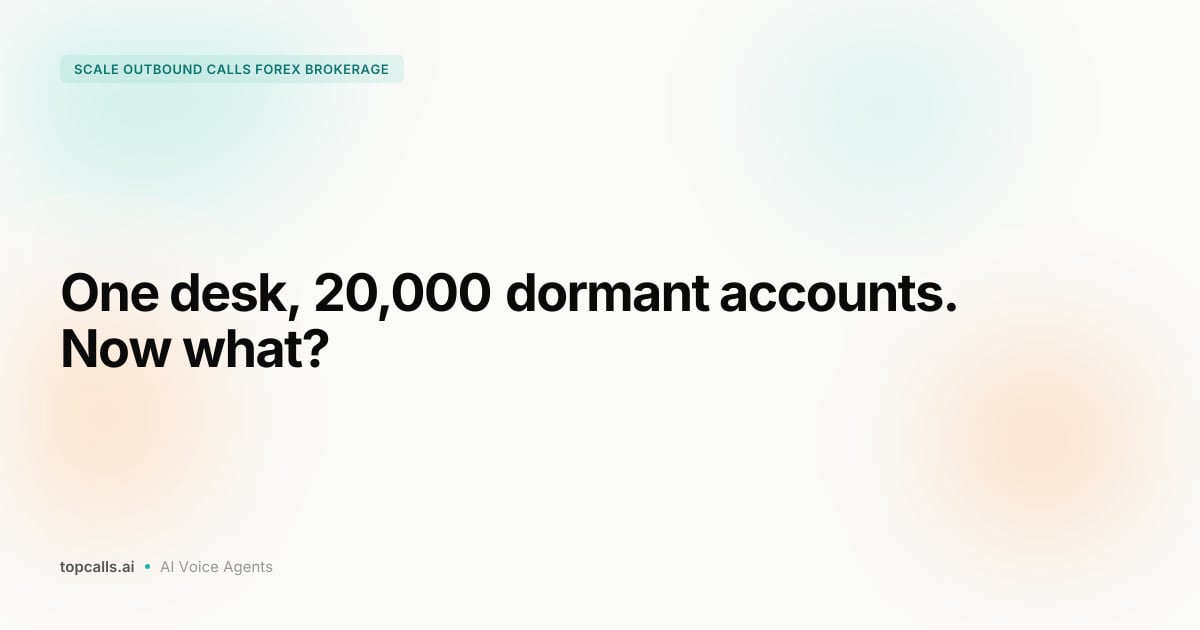

A dormant trader is already sitting in your Salesforce org: last login date, balance band, assigned account manager, every case they ever opened. Salesforce AI calling for brokers turns those records into phone calls without anyone exporting a spreadsheet. A Flow or a field change triggers the call, an AI agent has the conversation in the trader's language, and the outcome lands back on the Contact as a Task within a minute.
Topcalls connects to Salesforce out of the box and runs the calls at $0.35 a minute all-inclusive. This guide covers the four connection paths, which records should fire a call, what the call writes back, the API allocation, the cost, and where the setup doesn't fit. It's for the retention lead or Salesforce admin at a forex or CFD brokerage who owns the dormant list.
Key Takeaways
- Salesforce gives an Enterprise Edition org 100,000 API requests per rolling 24 hours plus 1,000 per Salesforce license, so a 15-license brokerage has 115,000 to spend.
- A reactivation campaign that writes three requests per call uses 6,000 requests on a 2,000-call day, about 5% of that 15-license allocation.
- Topcalls runs Salesforce-triggered calls at $0.35 per minute all-inclusive, so a three-minute reactivation conversation costs $1.05 with no per-seat or setup fee.
- Salesforce's standard Task object already carries CallDisposition (255 characters), CallDurationInSeconds and CallType, so AI call outcomes fit without a custom object.
- Under 16 CFR 310.4, outbound calls to a residence are only permitted between 8:00 a.m. and 9:00 p.m. at the called person's local time, and Salesforce won't enforce that on its own.
1. What does Salesforce AI calling for brokers actually do?
Salesforce AI calling for brokers is a two-way connection between a brokerage's Salesforce org and an AI voice agent. Salesforce decides who gets called and when, based on the fields it already holds. The agent makes the call, handles the conversation in the trader's language, and writes a disposition, a summary and a recording link back to the Contact or Lead. Nobody exports a list, and nobody types outcomes by hand.
Topcalls connects Salesforce natively, alongside HubSpot and Pipedrive, through its Integrations product. The connection covers up to 78 languages, so a Vietnamese-speaking trader in an org run out of Limassol gets called in Vietnamese with real-time replies. Three kinds of data cross it:
- Salesforce to agent: first name, E.164 phone, preferred language, account status, days since last trade, balance band, account manager.
- Agent to Salesforce: disposition, call duration, requested callback time, a two-line summary, transcript and recording links, a do-not-call flag.
- Salesforce to the team: a Task on the account manager's queue, an Opportunity stage change or an email sequence, built with the Flow tools the admin already uses.
The catch for a brokerage: the trading data usually isn't in Salesforce. Last trade date lives on the MT4 or MT5 server, and the join key is the platform login, not the email. The guide to connecting an AI voice agent to a brokerage CRM covers that join; this article assumes the Contact already carries Trading_Login__c and Last_Trade_Date__c.
2. Which Salesforce connection path fits your org?
There are four ways to connect Salesforce to an AI calling platform: the native Topcalls connector, a Flow or outbound message into a webhook, the automation path through Integrations, and a direct REST API build. Most brokerages should start with the native connector for one campaign and move to Flow-driven triggers once the disposition list has stopped changing. The table shows who builds each path and what goes wrong.
| Path | Built by | Best for | Watch out for |
|---|---|---|---|
| Native Topcalls connector | Salesforce admin, about 15 minutes | First reactivation campaign from a Contact or Lead list | Run one campaign until the field mapping settles |
| Flow or outbound message to a webhook | Admin plus one developer | Event triggers: deposit abandoned, KYC rejected, 90 days idle | Every subscriber needs a handler and a retry rule |
| Automation path (Integrations) | Ops lead, no code | Fanning outcomes to Slack, sheets and email; 764+ tools | An extra hop; send the minimum personal data |
| Direct REST API | Your engineering team | Custom trading objects, bulk upserts by external ID | You own the API allocation math and the error handling |
Topcalls Integrations lists Salesforce triggers for a new or updated record, a field history event and an outbound message, plus actions that create a Task, update a record, run a SOQL query and upsert by external ID in bulk. That's enough to run a reactivation campaign without a line of Apex.
3. Which Salesforce records should trigger a reactivation call?
Trigger reactivation calls from a field change on the Contact or on a custom Trading Account object, never from a report someone exports on Friday. The three triggers that pay off first for a broker are Days_Since_Last_Trade__c crossing 90, a deposit Opportunity sitting in a pending stage for 24 hours, and KYC_Status__c flipping to Rejected. Each one needs a delay before the call and an exit condition.
- Dormancy threshold: a scheduled Flow recalculates Days_Since_Last_Trade__c nightly from the MT4/MT5 import. Past 90, the Contact enters the campaign at the next compliant call window and leaves when a trade posts or the trader opts out.
- Abandoned deposit: an Opportunity that has sat in Deposit Pending for 24 hours triggers a call at the next open window. The exit is Deposit Confirmed.
- KYC rejected: KYC_Status__c set to Rejected triggers a same-day call naming the document that failed. The exit is Approved.
- Bulk list: a standard Salesforce Campaign holding 5,000 CampaignMembers spreads across local call windows over a week, which is where Topcalls' 60%+ connect-rate lift comes from. The exit is a DoNotCall flag, a complaint or a deposit.
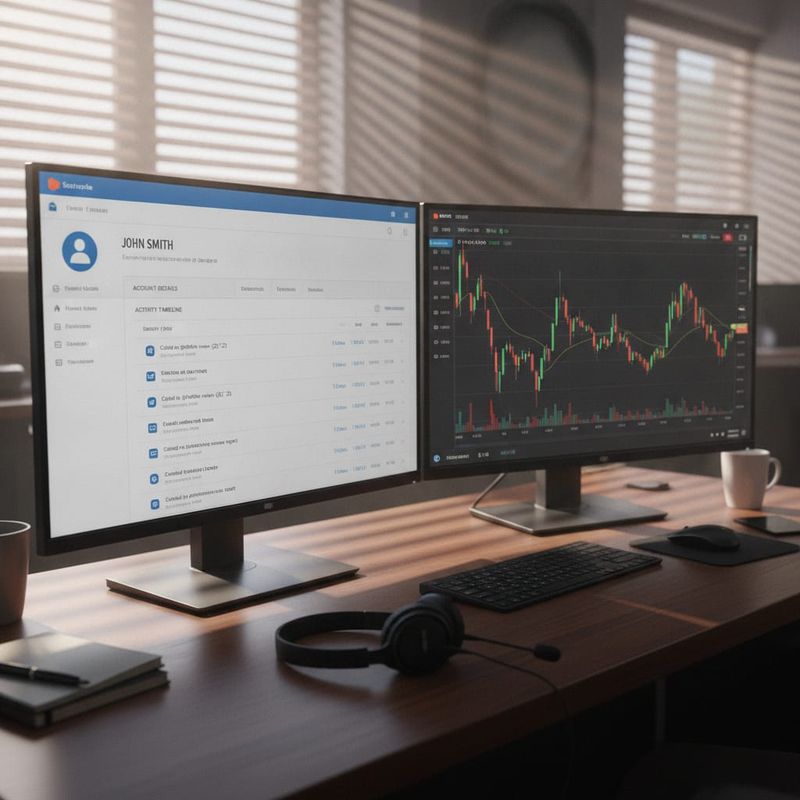
The trigger nobody plans for is the exit. A trader who deposits after the first call and still gets attempts two and three is the fastest route to a complaint. Put the exit rule in the same Flow as the entry rule so they can't drift apart.
The Brokerage CRM Integration Planning Checklist covers scope and owners, field mapping by Salesforce internal field name, a nine-row disposition table, entry and exit triggers, sync direction per field, webhook subscribers and a test plan with pass criteria.
4. What should the AI call write back to Salesforce?
Write every call back as a Task on the Contact or Lead with CallType set to Outbound, CallDurationInSeconds filled in, CallDisposition holding one of your agreed values and the summary in Description. Add custom fields for callback time, recording URL and transcript URL. Stamp the Contact's latest disposition in its own field, and set DoNotCall the moment a trader asks. Account managers already read Tasks.
Salesforce's object reference defines CallDisposition as the result of a given call, gives "we'll call back" and "call unsuccessful" as examples, and caps it at 255 characters. CallType is a restricted picklist of Inbound, Internal or Outbound, and DoNotCall indicates the lead or contact doesn't want to be called.
The disposition list should stay under ten values, each tied to one Salesforce action:
- Interested: a follow-up Task lands on the account manager's queue, due the same day.
- Deposit intent: the Opportunity moves to Deposit Pending and a Flow sends the deposit link by email.
- KYC will complete: a reminder email goes out and a scheduled path rechecks the status in 48 hours.
- Callback requested: a Task is created for the time the trader named, in the trader's time zone, not the desk's.
- Not interested: Reactivation_Declined__c gets today's date, and the Contact is suppressed from the campaign for 90 days.
- Do not call: DoNotCall is set to true on the Contact and on any linked Lead, and no later sync may revert it.
Two mistakes show up in most first builds: overwriting the sales pipeline's status field with call outcomes, and joining on phone number so a shared family line puts one trader's disposition on another's record. The call outcome automation guide for brokers and the AI dialer CRM integration guide cover the fix.
5. How do you stay inside Salesforce API limits?
Salesforce meters inbound API requests per rolling 24 hours, and every integration in the org draws from the same pool. An Enterprise Edition org gets 100,000 requests plus 1,000 per Salesforce license, so a 15-license brokerage has 115,000. A campaign that writes one Task, one Contact update and one lookup per call spends three requests a call: 6,000 on a 2,000-call day, about 5% of that allocation.
The Salesforce Developer Limits and Allocations Quick Reference, last updated in August 2026, uses that same 15-license example. The same document sets Developer Edition at 15,000, caps concurrent long-running requests (20 seconds or longer) at 25 for production orgs, and notes that calls from installed managed packages count against the org limit too.
Three habits keep a brokerage well under the cap:
- Batch the write-back: upsert Tasks and Contact updates by external ID in bulk once a minute instead of firing one request per call event.
- Read once, not per call: pull the day's list in a single SOQL query at campaign start; the agent reads trader fields from the calling platform mid-call, not from Salesforce.
- Turn on API Usage Notifications in Setup: the admin hears about a spike before the retention team notices missing Tasks.
6. What does Salesforce AI calling cost a broker?
Topcalls charges $0.35 per minute all-inclusive: the voice model, telephony, recording, transcription and analytics, with no per-seat fee, no setup fee and no separate charge for the Salesforce connection. A three-minute reactivation conversation costs $1.05. The Salesforce side costs nothing beyond the admin's time, because the connector runs on your existing API allocation.
Worked example. Say 2,000 dormant traders are queued from a Salesforce Campaign and 800 pick up for an average three-minute conversation: $840. The 1,200 unanswered attempts, at around 20 seconds each, add roughly $140 at the same rate, so the pass costs about $980. Put your own dormant count and average balance into the dormant trader revenue calculator to see what the reactivated deposits are worth against that.
The HubSpot version of this guide runs the same arithmetic. With Salesforce the cost is visible in two places: Topcalls' real-time analytics per campaign, and a Salesforce report on the Task's CallDurationInSeconds per account manager.
7. How do brokers keep Salesforce-triggered calls compliant?
A Salesforce trigger doesn't know the law, so the calling platform has to. Under 16 CFR 310.4(c), outbound calls to a residence are only allowed between 8:00 a.m. and 9:00 p.m. at the called person's local time. The Contact's DoNotCall field has to gate every trigger, and for EU retail clients the call can't dangle a bonus, because ESMA's CFD measures restrict incentives to trade.
The same US rule carries an abandoned-call safe harbor: no more than 3% of calls answered by a person may be abandoned, measured per campaign or per 30-day period. A Flow that fires 5,000 calls at once into a small agent pool blows through that. ESMA's CFD intervention measures include a restriction on the incentives offered to trade CFDs, backed by data showing 74% to 89% of retail accounts lose money. A reactivation script for EU clients removes friction; it doesn't offer a deposit match.
On the data side, send the agent Salesforce's minimum: first name, phone, language, status. Not the address, not the document numbers. TCPA, TSR, DNC and GDPR compliance stays with you, as the secure infrastructure page explains, and the compliance planning guide for AI calling at forex brokers covers the review to run before the first Flow goes active.
8. When doesn't Salesforce AI calling fit a brokerage?
Skip Salesforce-triggered AI calling when Contact records lack E.164 phone numbers or a language field, when the dormant list is under a few hundred traders, when the brokerage isn't licensed to market in the trader's country, or when high-balance clients are meant to hear from their own account manager. Each time the call would go out and do damage or nothing.
- Dirty data: a Contact with a phone number stored with a local prefix and no language field gets a wrong-number attempt or an English call to a Thai trader. Fix the fields first; the reactivation guide for dormant trading accounts starts with the data pass.
- Small lists: one account manager clears 300 dormant traders in a week. AI calling earns its place at thousands, where Topcalls' 3-10x call-volume lift changes the timeline.
- No marketing permission: if the consent status isn't in Salesforce, the trigger can't check it, and a call it can't check is a call it shouldn't make.
- VIP desk: balances above your threshold stay with a named person. The AI handles the long tail and live-transfers anything that heats up to that same person.
9. How do you connect Salesforce AI calling in two weeks?
A Salesforce-connected reactivation campaign goes live in about two weeks on Topcalls: a 30-minute strategy call, a proposal within 48 hours, a 15-minute first setup on the connector, a field-mapping session with the admin, a 50-record test list, then the full campaign. Between those milestones:
- Day 1: book a 30-minute call with the dormant count, the Salesforce edition and the Contact fields you hold.
- Days 2 to 3: the proposal arrives within 48 hours while the admin creates the custom fields: Trading_Login__c, Last_Trade_Date__c, AI_Call_Disposition__c and the link fields.
- Days 4 to 5: connect Salesforce in about 15 minutes, map every field by internal name, agree the disposition list.
- Days 6 to 8: run a 50-record test list; confirm every Task lands within a minute with CallDurationInSeconds and CallDisposition filled.
- Days 9 to 14: release the first segment as a customer reactivation campaign, then the rest, watching API usage and the disposition mix daily.
The traders are already in Salesforce. The only question left is whether a person or a Flow decides when they get called.
Frequently Asked Questions
Get AI calling tips in your inbox
No spam. One email per week with actionable sales automation tips.